In today’s tech-driven age, our smartphones are more than just gadgets; they’re practically parts of our identity. To unlock the full potential and make every interaction with your device feel like magic, savvy users need to familiarize themselves with the right phone settings. So, let’s dive into some essential adjustments that turn your basic smartphone experience into something extraordinary!
Unlocking the Full Potential: Essential Phone Settings
Tweaking a few phone settings can enhance both functionality and personalization, leading to a more enjoyable user experience. Below, we’ll unpack the top 7 transformative phone settings that can work wonders for your daily routine.
1. Adaptive Brightness for Optimal Visibility
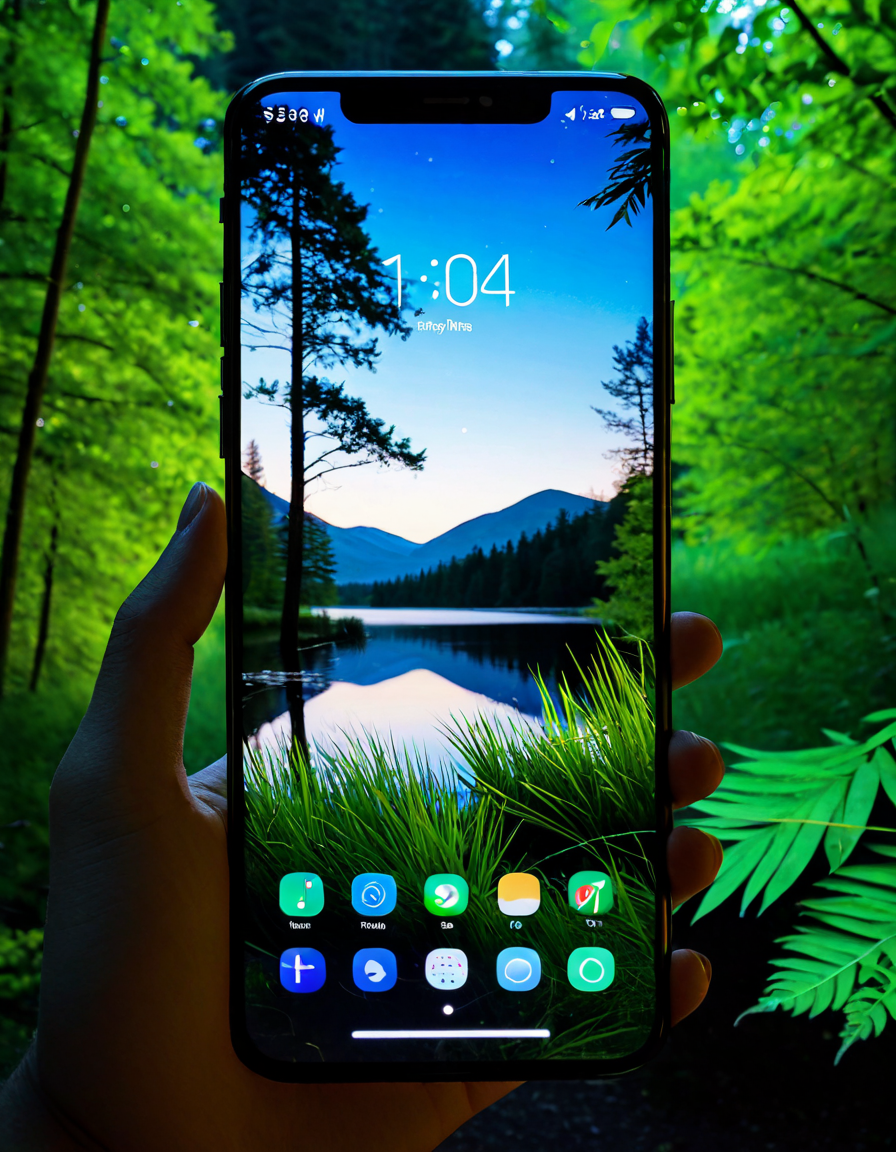
Modern smartphones typically come with adaptive brightness settings. This nifty feature allows your screen to adjust automatically based on ambient light, making it easier to see in various environments. Bright sun or dimly lit rooms? No problem! By enabling this option, you’re not just increasing visibility; you’re also conserving battery life. It’s a game-changer for outdoor enthusiasts enjoying a sunny hike, letting you enjoy your phone without squinting against the glare.
2. Dark Mode: A Stylish Seat for Your Eyes
Switching your device to dark mode can be as refreshing as a cool breeze on a hot day. This feature doesn’t just give your phone a sleek aesthetic; it also helps reduce eye strain, especially when you’re scrolling through social media late at night. Major brands, including Apple and Samsung, have integrated this interface seamlessly. Plus, it can even contribute to better sleep by minimizing blue light exposure, making it a smart choice for night owls.
3. Smart Notifications Management
We all know the avalanche of notifications can feel like a never-ending storm. By adjusting phone settings for managing notifications, you can create a more peaceful device experience. Consider prioritizing alerts from essential apps like Slack or WhatsApp. By designating which apps can send notifications, you can focus on what truly matters—like catching up on cable news network news without constant distractions.
4. Advanced Privacy Controls: Keeping Your Data Under Tighter Wraps
In an age where privacy is critical, ensuring your personal data is secure should be non-negotiable. Your smartphone’s privacy settings can help you monitor app permissions, block trackers, and manage passwords effectively. Apps like Apple’s “App Tracking Transparency” give users the power to control their data, making it feel like you’re wielding a magic wand for protection against invasion.
5. Gestures and Shortcuts: Make Your Experience Effortless
Forget the days of fumbling through menus! Many smartphones allow you to customize gestures or create shortcuts for quick access to apps or functions. Whether it’s swiping your finger or shaking your phone, these phone settings create seamless interactions that suit your style and preferences. Imagine enabling quick camera access right from your home screen or setting up voice commands for hands-free operation. It’s all about maximizing usability and making your device feel personal, like a tailored dress barn just for you!
6. Audio and Sound Customization: Decked Out in Your Favorite Tunes
Who doesn’t love their favorite playlist? Customizing audio settings can elevate your media experience dramatically. From equalizer adjustments to immersive 3D surround sound options, refining these settings can make it feel like you’re front row at a concert. Brands like Sony and Bose offer apps that go beyond standard playback features, turning your device into a portable music haven. Whether you’re jamming out to smooth jazz or intense rock ballads, you’ll find yourself truly decked out in sound.
7. Personalizing Accessibility Features: Making Your Device Truly Yours
Accessibility isn’t just for the few; it can benefit all users. The phone settings allow you to customize features like VoiceOver or captions, tailoring your device for better usability. By diving into these options, you can create an experience that feels like your own—a bit like wearing a see-through bikini that expresses your personality! These settings enhance interactivity, making your smartphone truly a part of your lifestyle.
Transforming Mundane Into Extraordinary
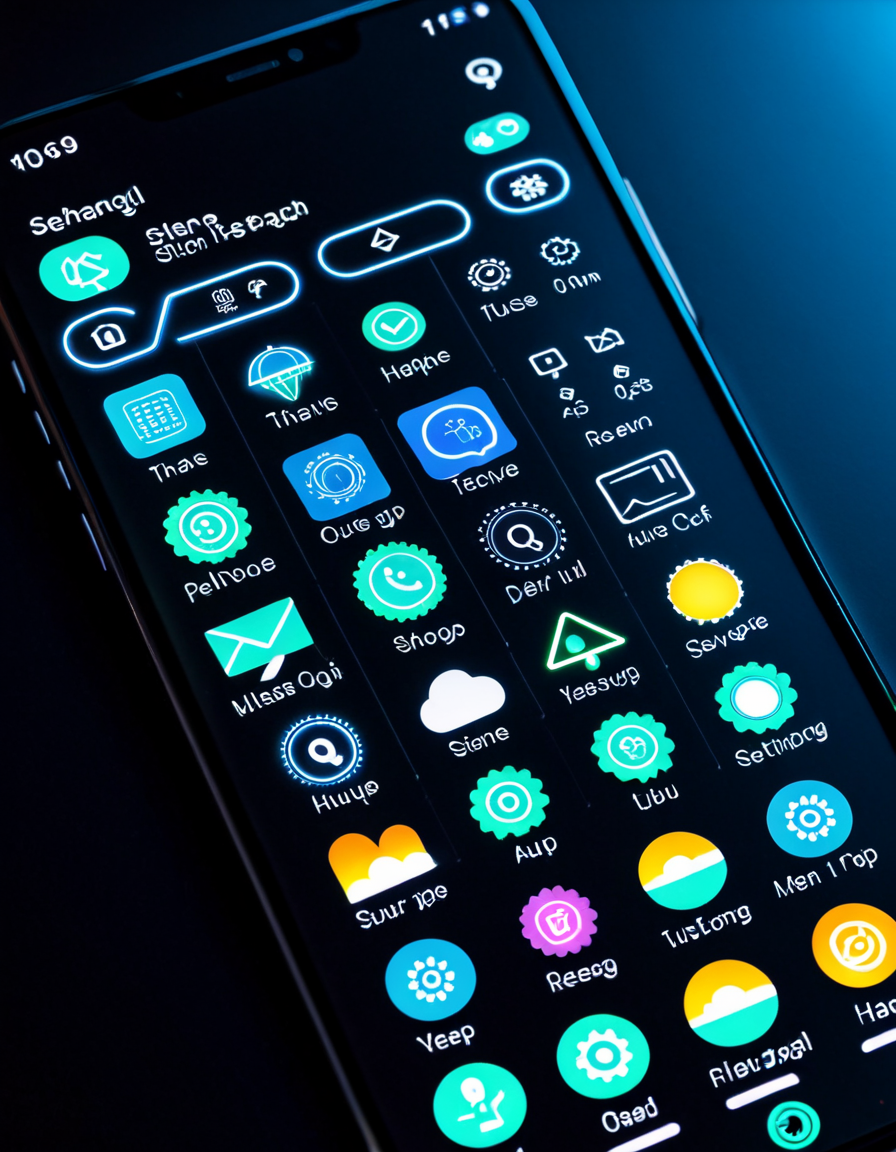
Smartphone technology keeps evolving, and so do the ways we can improve our user experience through strategic phone settings. Adjust the right settings, and you’ll transform your daily device interactions into extraordinary encounters that harmonize with your lifestyle. Embrace these transformative phone settings, and watch your smartphone shift from just a tool to something remarkably magical.
For those curious about how financial choices echo similar values in tech, consider exploring the links between money management and lifestyle, like checking interest rates For home Loans or savoring expensive bourbon on a well-deserved evening. Tying technology into our simple lives can make even mundane tasks, like searching for a concrete company near me, feel like a venture into the extraordinary.
In essence, your smartphone isn’t just an accessory; it’s an extension of who you are. By mastering these phone settings, you ensure it works well for you, heightening both productivity and enjoyment. So, take a moment, adjust a few settings, and let the magic unfold in the palm of your hand.
Whether you’re hunting for the latest trending film or trying to determine Is Fargo a true story, these phone settings can make that search simpler and much more efficient. Dive in, and enjoy the smoother ride ahead!
Phone Settings That Transform Your Device Into Magic
Unlocking Hidden Features
Did you know that most smartphones are packed with features you probably haven’t touched yet? For example, adjusting the settings for notifications can drastically change how you interact with your device. Imagine not being bombarded by alerts while you’re trying to watch the latest Man City Vs Bsc Young Boys Standings on your favorite sports app! With a few tweaks, you can silence non-essential notifications and elevate your focus. It’s all about finding what is truly the best balance for your digital life.
While we’re thinking about enhancing our tech experience, consider the accessibility options that can provide ease for everyone, especially those with disabilities. Voice commands, text magnification, and sound enhancements are all simple adjustments hiding in your phone settings. This makes your device more inclusive, leading to a better user experience overall. You might be surprised how these tweaks can apply to many aspects of life, like how physical wellness tips can promote healthy habits and even influence conditions like a femoral hernia.
Boosting Battery Life and Performance
Switching gears, how’s your phone’s battery holding up? Settings like battery saver mode don’t just save power; they can also enhance performance. By limiting background activity, you can stretch your battery life and enjoy more time scrolling through your feeds or getting directions to the nearest Huntington Bank near me for that quick transaction. It’s a simple adjustment, yet so impactful.
And speaking of customizations, have you ever looked into what your lock screen could do? A simple tweak can display important info like weather updates or your favorite inspirational quote. Imagine unlocking your phone to a powerful quote every morning instead of just a blank screen. These little fixes can truly transform your device from a mere phone into a personalized hub that suits your lifestyle effortlessly.